
Walkthrough on how to Remove or Transfer a User's Access to the Olo Loyalty Dashboard.
- Navigate to Settings / Users.
- In the user row you want to edit, click Manage / Edit.
-
Enter the new User’s details to transfer (ex. a store has transferred ownership and you want the campaign history retained) or create a new secure password and rename the user to “Archive-{#####}” to block an existing User’s access.
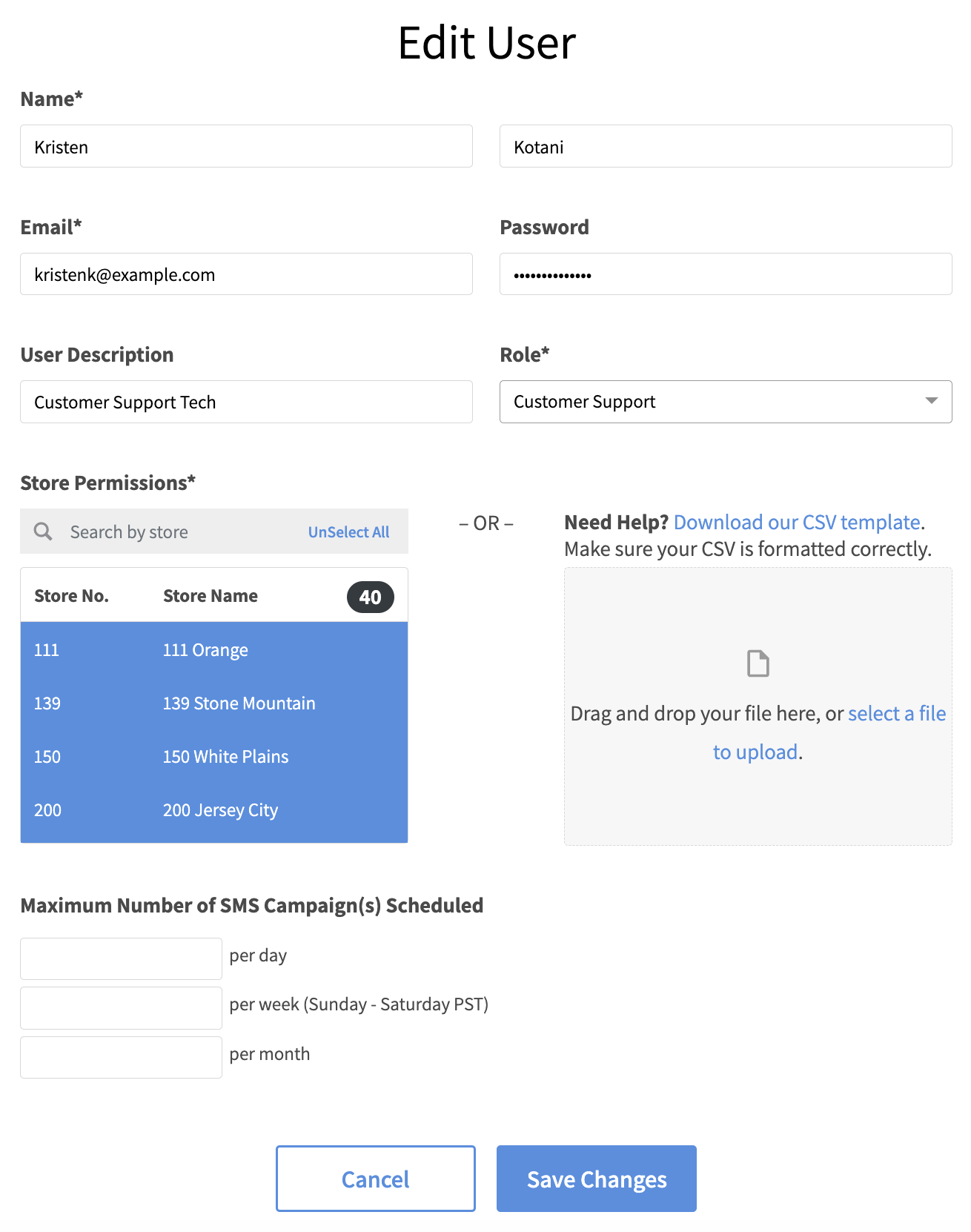
- Click Save Changes.
Comments
0 comments
Article is closed for comments.