Walkthrough on how to edit Dashboard Users on the Olo Loyalty Dashboard.
- Navigate to Settings / Users.
- In the user row you want to edit, click Manage / Edit.
-
Enter the User details.
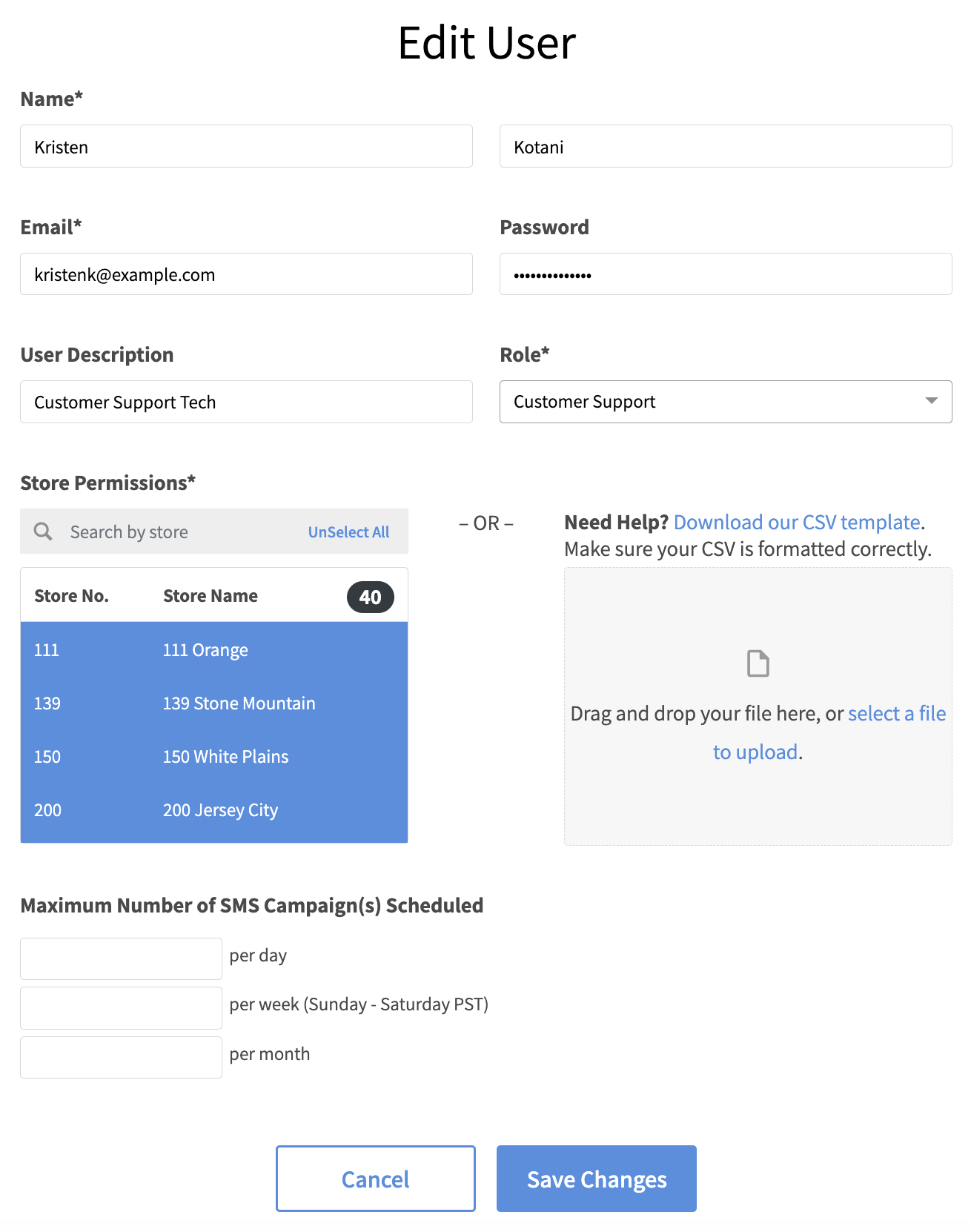
- Click Save Changes.

Walkthrough on how to edit Dashboard Users on the Olo Loyalty Dashboard.
Enter the User details.
We post Release Notes a few times each month. A complete list can be found on our Help Center, where you can learn more about changes to our platform. To get notified when new Release Notes are available, please subscribe below.
Comments
0 comments
Article is closed for comments.