
Learn how to update a business user's profile and password in the Olo Loyalty Dashboard.
Things to Know
- To batch update multiple Dashboard Users, see Manage Users.
Update Your User Profile
- Log in to your Olo Loyalty Dashboard and go to Settings / Profile.
-
To update any of your profile details, enter your new values. Any values left as is will remain the same and not be updated:
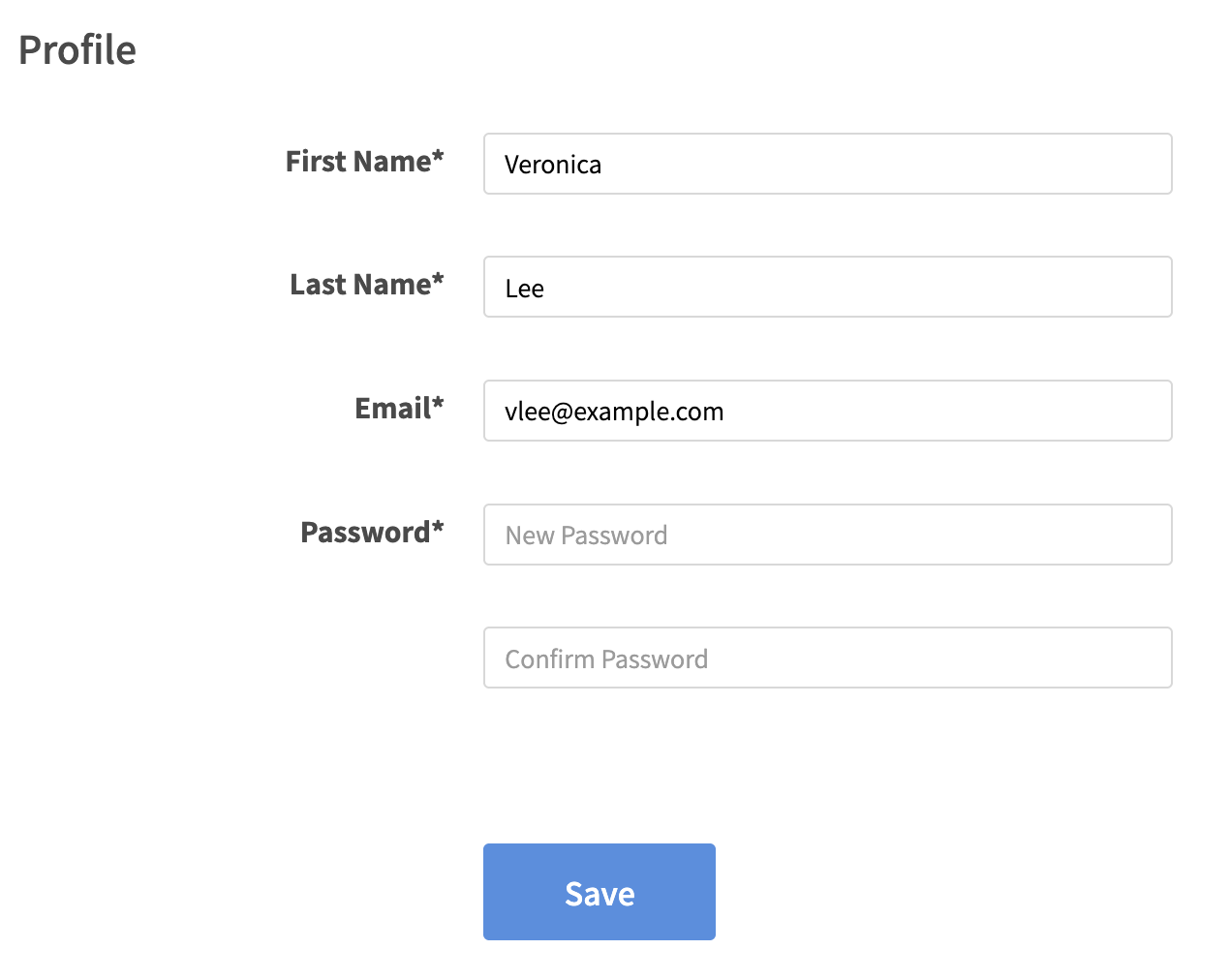
Profile fields:
- First Name — Your first name.
- Last Name — Your last name.
-
Email — Must be unique across the O system. If you are affiliated with multiple brands, each account requires a different email.
It is not necessary for the email to be able to receive messages. - New Password — Enter a new password if you wish to change it.
- Confirm Password — Re-enter your new password to confirm the change.
- Click Save.
Comments
0 comments
Article is closed for comments.